 ADB Remote
A touchscreen for your TV
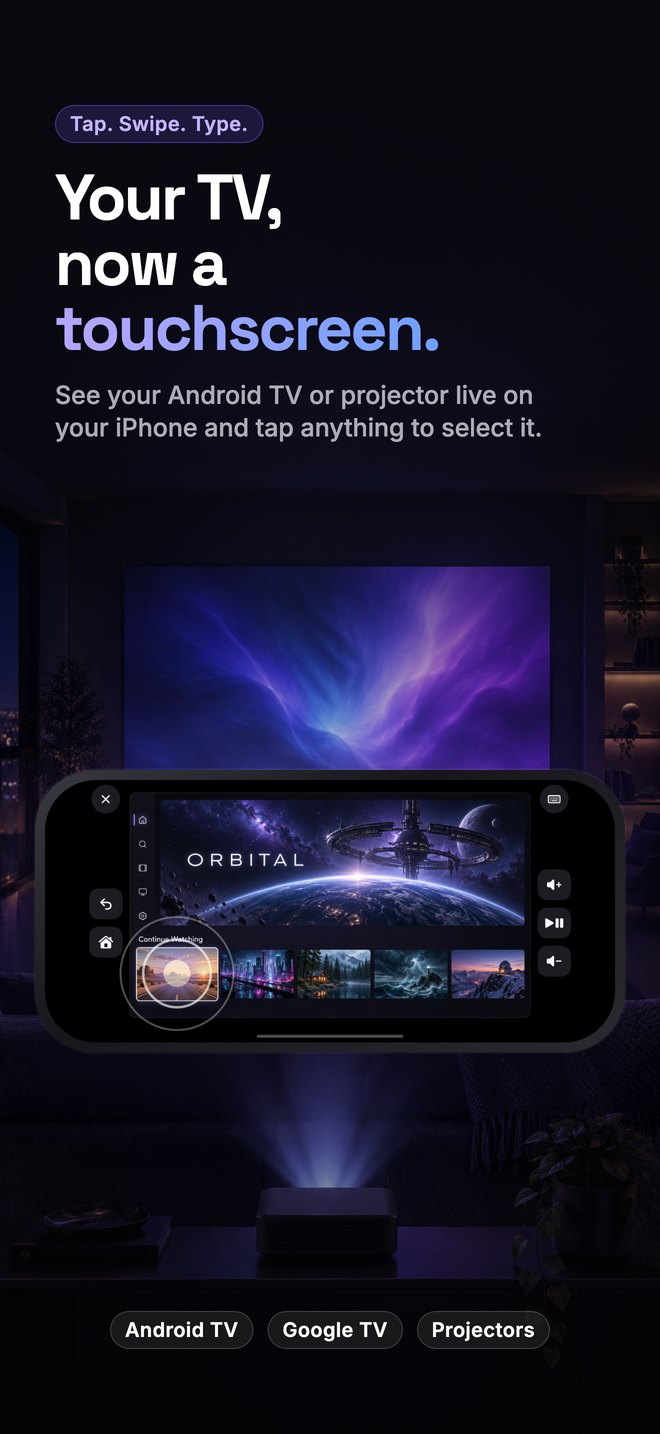
The TV's screen, live on your phone. Tap anything to select it, swipe through rows, press and hold for more.
See your Android TV or projector live on your iPhone and tap anything to select it. Swipe through rows, type with your iPhone keyboard, and keep a fast remote one tap away.
Free · No account · Nothing leaves your home network
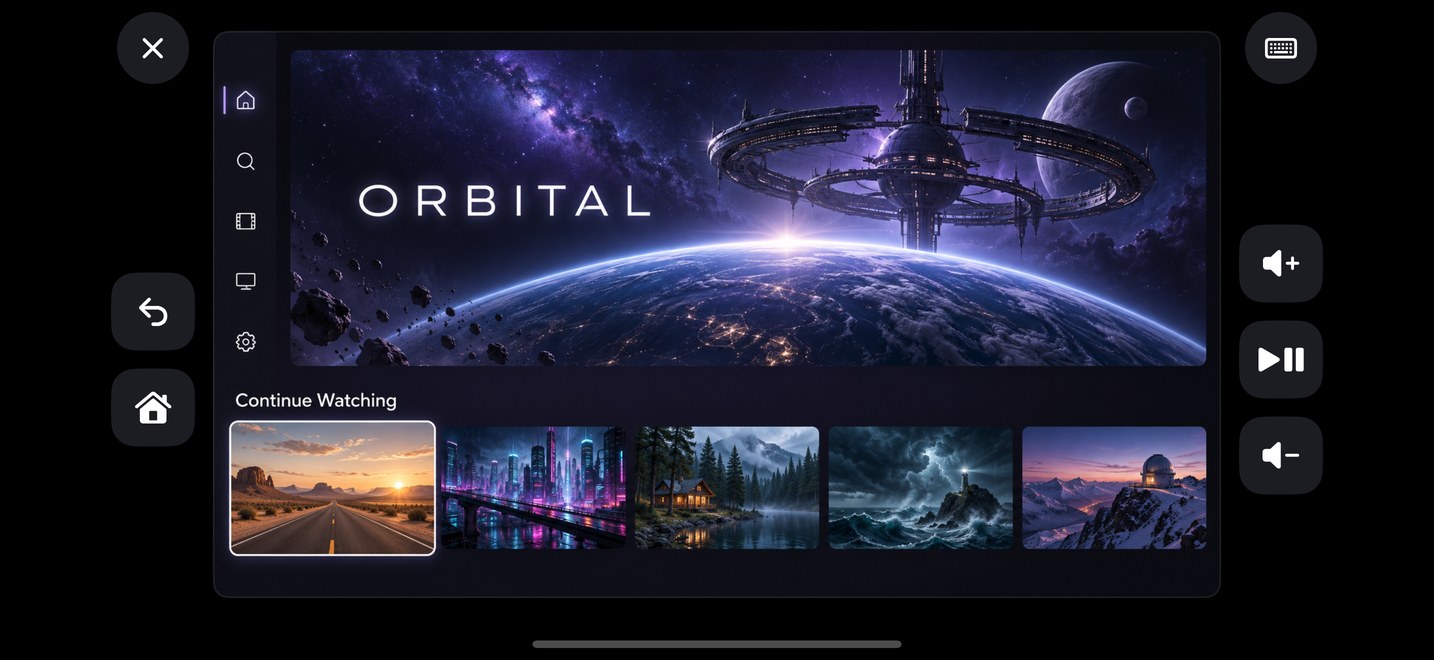
Built for the living room: responsive, readable in the dark, with a gentle haptic tap on every press.
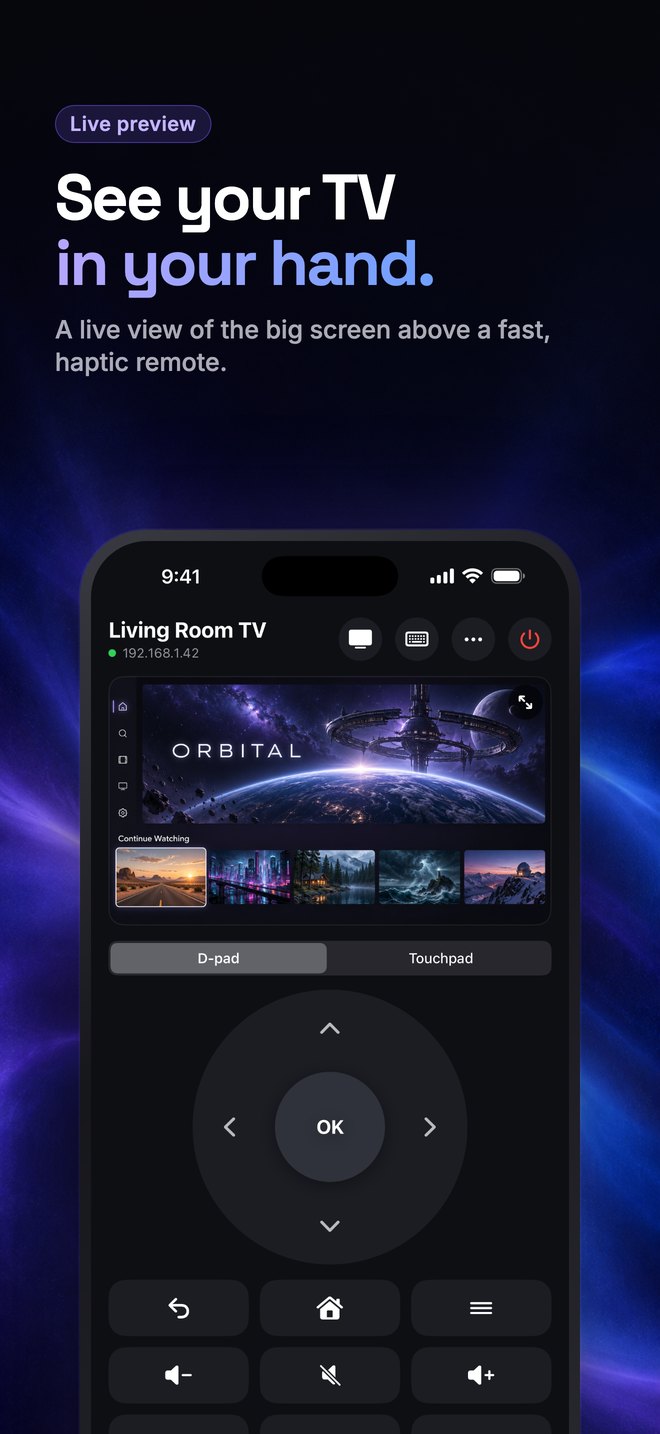
The TV's screen, live on your phone. Tap anything to select it, swipe through rows, press and hold for more.
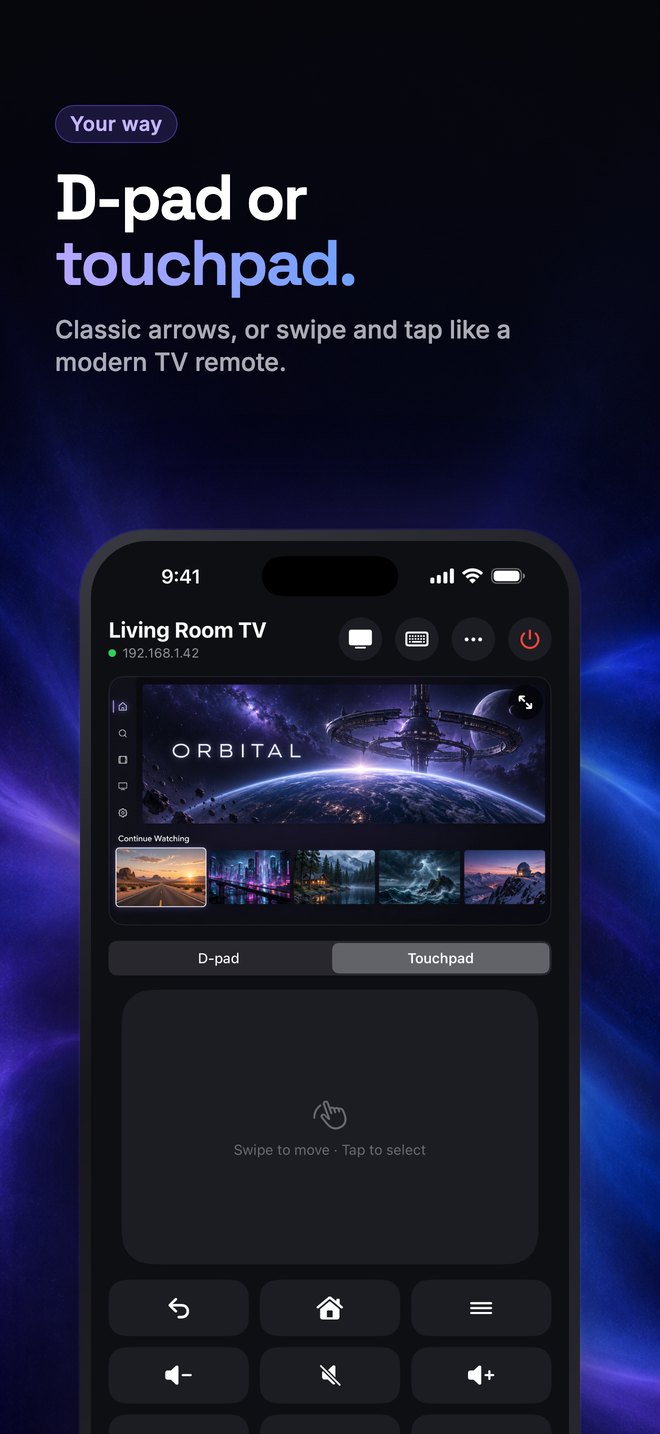
A classic D-pad, or swipe and tap on a touchpad. Hold an arrow or volume button and it repeats.
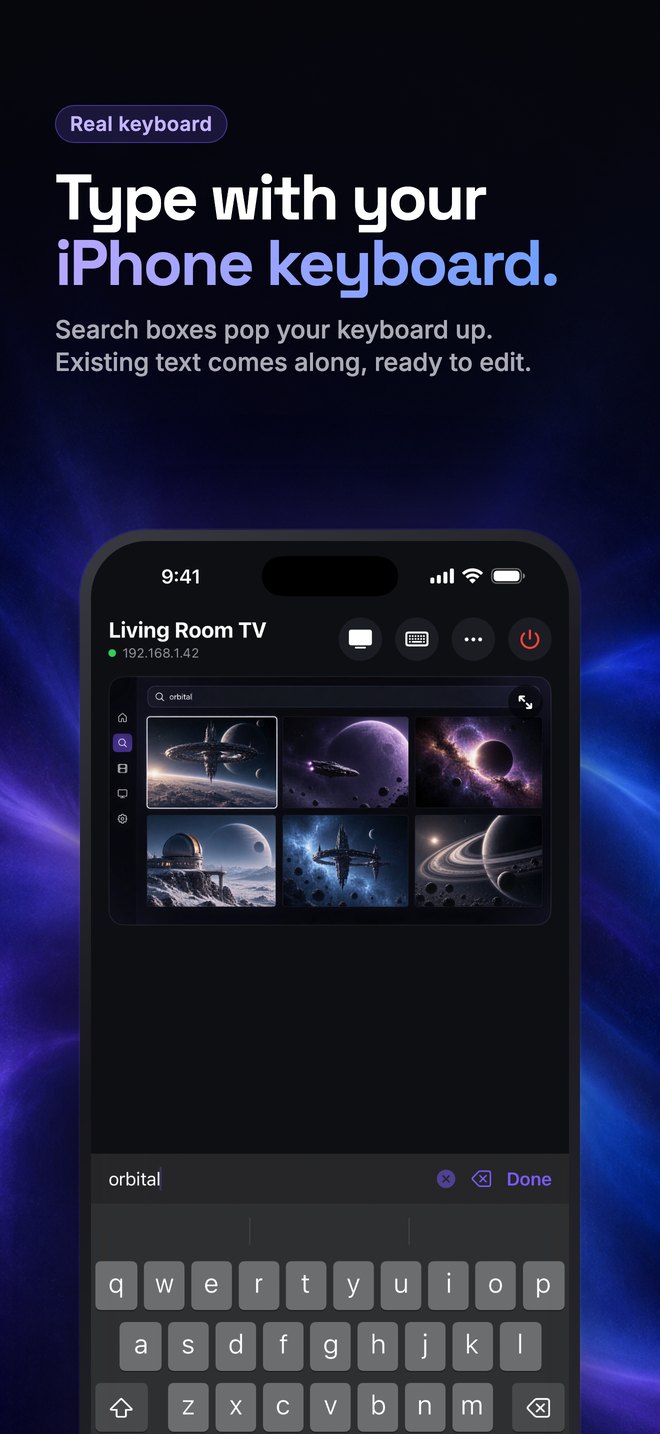
When a search box opens on the TV, your keyboard pops up. Existing text comes along so you can edit it, not start over.
Turn your phone sideways and the TV fills it. Back, Home and volume stay within thumb reach.
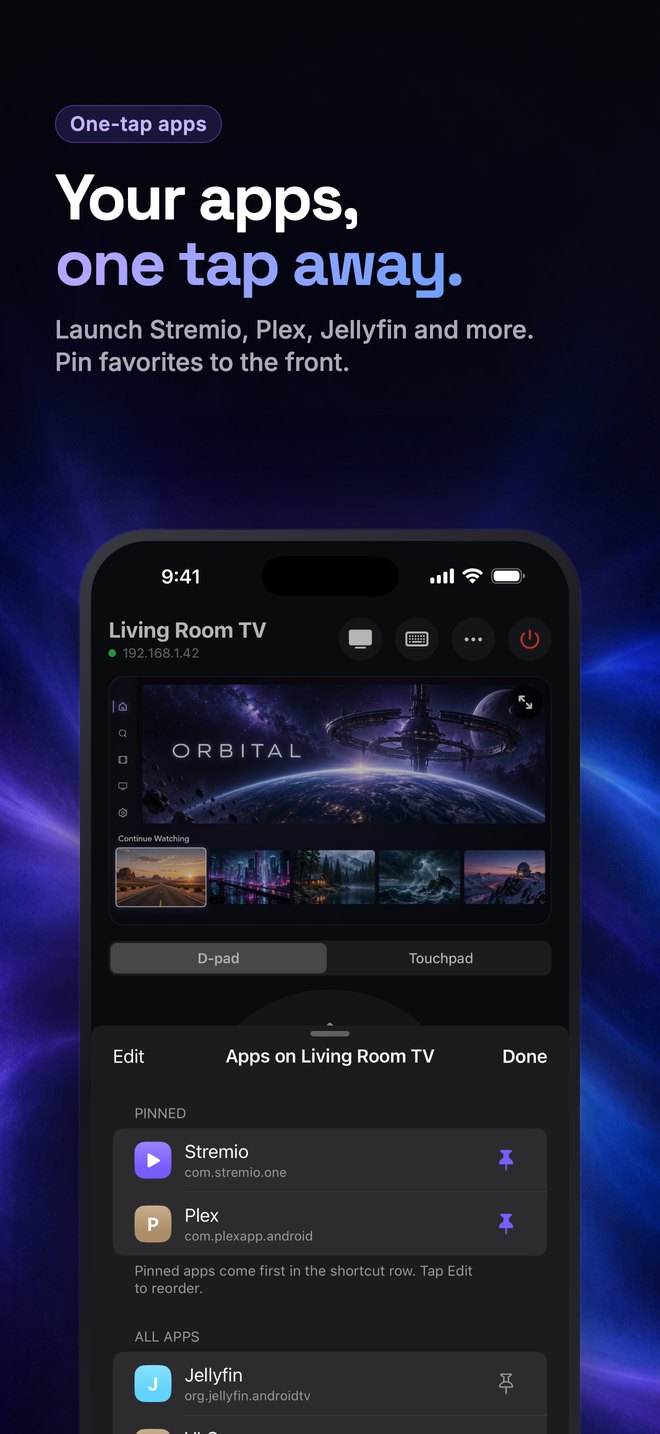
Launch Stremio, Plex, YouTube or anything installed. Pin your favorites to the front, in your order.
No account, no cloud, no analytics. Your phone talks directly to your TV on your Wi-Fi, and that's it.
ADB Remote uses Android's built-in debugging connection (ADB), so your device needs one setting turned on.
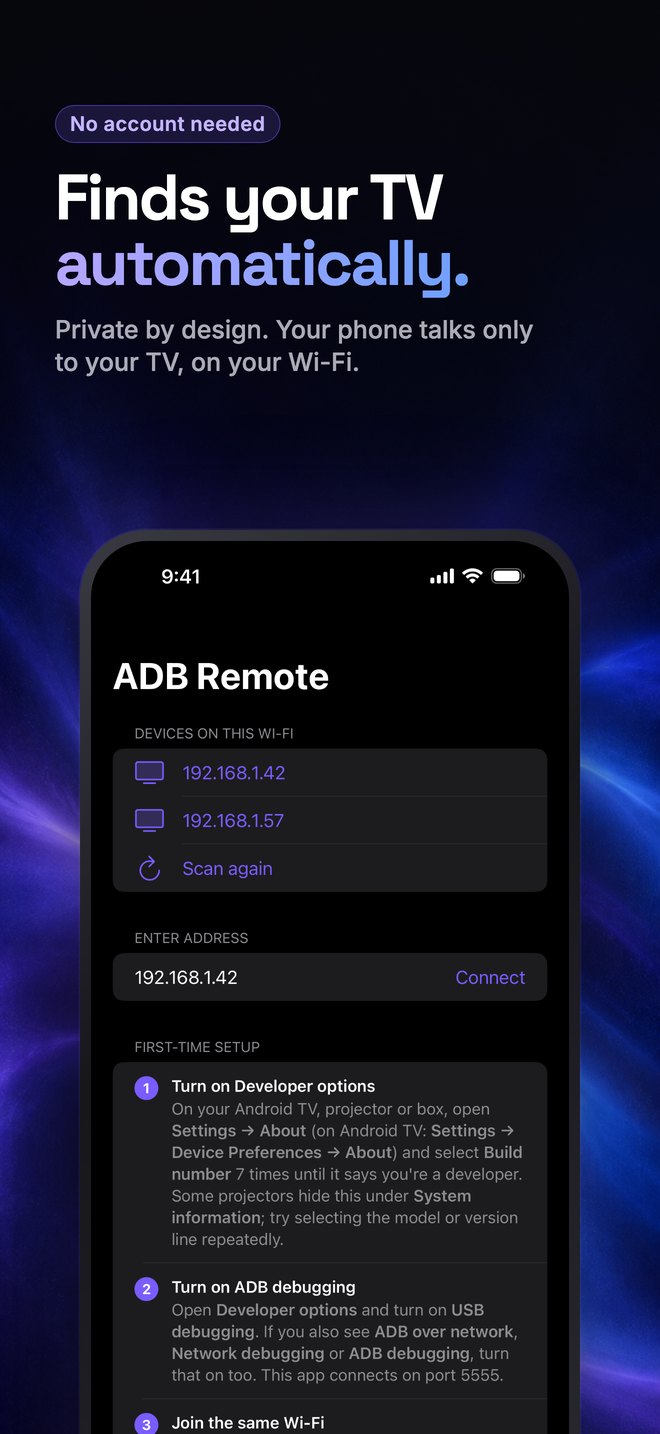
Settings → About (Android TV: Device Preferences → About). Select Build number 7 times.
In Developer options, turn on USB debugging and, if listed, ADB over network.
Keep your iPhone on the same Wi-Fi. The app finds your device automatically.
Your TV asks "Allow USB debugging?". Tick Always allow and choose Allow. Done.
Detailed, device-specific help is on the support page.
Android-based TVs, Google TV and Android TV devices, projectors and streaming boxes that let you turn on ADB debugging over the network (port 5555). Devices that only offer "Wireless debugging" with a pairing code need a one-time adb tcpip 5555 from a computer.
Your device only accepts connections from phones or computers you approve on its "Allow USB debugging?" prompt. Only allow devices you trust, and keep debugging turned off on untrusted networks.
No. ADB Remote talks straight to your device over your local Wi-Fi. There's no sign-in, no server and no analytics.
On many Allwinner-based projectors (such as the HY300 family), ADB Remote sends input directly to the device's built-in remote receiver, so presses land in about 40 ms. Other devices use Android's standard input path, which is slower but works everywhere.
Not yet. Typing currently supports standard English letters, numbers and symbols.
ADB Remote is coming soon to the App Store for iPhone.
Questions? Get in touch